
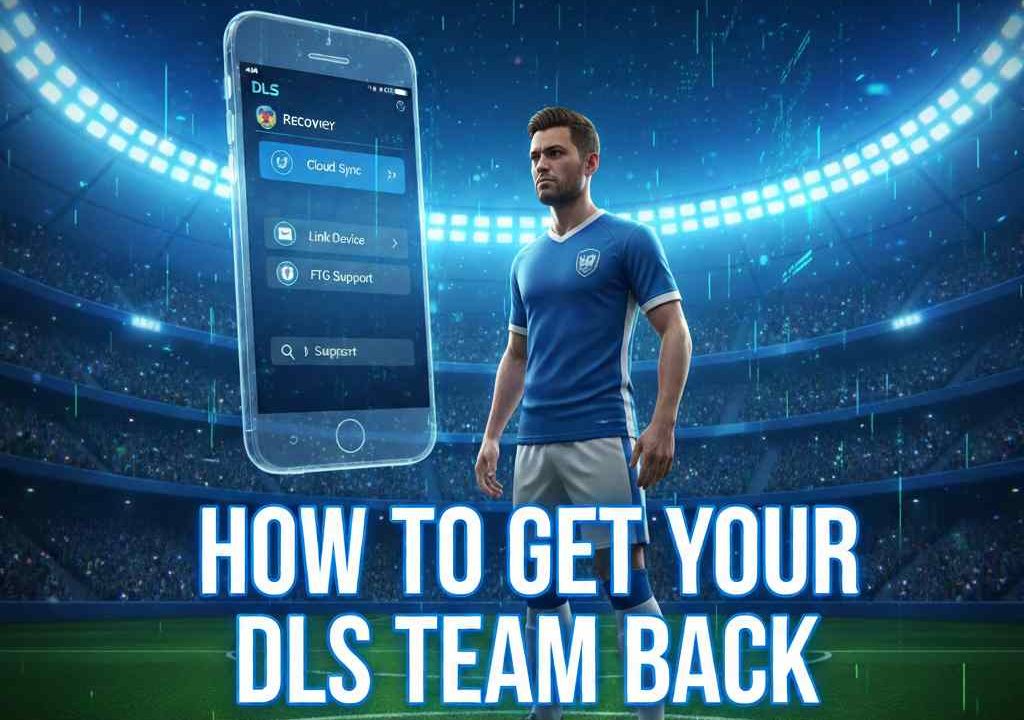
Introduction
Losing your Dream League Soccer (DLS) progress can be incredibly frustrating, especially after spending countless hours scouting legendary players and upgrading your stadium. Whether you’ve switched to a new device, accidentally deleted the app, or lost access to your profile, this guide provides the most reliable methods to get your team back.
The Primary Method: Cloud Recovery (Google & Apple ID)
- For Android Users: Ensure you are signed into the same Google Play Games account used previously.
- For iOS Users: Ensure your iCloud/Apple ID is active and “Sign in with Apple” was previously enabled.
Steps to Restore:
- Launch DLS and tap the Settings (Gear Icon) on the main menu.
- Navigate to the Advanced tab.
- Tap the Cloud Toggle or the “Sign in with Google/Apple” button.
- If a conflict is detected, a prompt will appear asking if you want to load the cloud profile. Choose ‘Yes’ to replace the local data with the original team.
Moving to a New Device: Using the “Link Device” Code
If you still have access to your old phone, the Link Device feature is the most secure way to transfer a profile without relying on third-party logins.
- On the Old Device: Go to Settings > Advanced > Link Device > Generate Code.
- On the New Device: Go to Settings > Advanced > Link Device > Enter Code.
- Warning: The generated code is case-sensitive and expires within 5 minutes.
Troubleshooting the Missing Facebook Login
A common query in 2025-2026 involves the removal of Facebook sync. First Touch Games (FTG) has largely phased out Facebook login in favor of more secure native options (Sign in with Apple/Google).
Expert Tip: If your account was only linked to Facebook and you cannot see your team, do not reset your game. Proceed immediately to the “Support Ticket” method mentioned below.
How to Recover a DLS Account Without Cloud Sync
If you didn’t link your account to a cloud service, your team is stored locally on your device’s internal storage.
- Account ID Strategy: If you have a screenshot of your unique User ID (found in Settings > Advanced > Info), your recovery chances increase by 90%.
- Contacting FTG Support:
- Visit the official First Touch Games Support portal.
- Submit a request under “Lost Game Progress.”
- Provide your exact Team Name, Device Model, and a Google Play/App Store purchase receipt if you ever bought coins or gems. This serves as the ultimate proof of ownership.
FAQS
Can I recover a manually reset team?
Unfortunately, if you used the “Reset Game” button in settings, the data is permanently wiped from the server.
Will my players be missing after an update?
Usually, no. If players are missing, check if you are in the “Exhibition” mode rather than Career Mode.
Can I use my Android team on an iPhone?
Yes, but only via the Link Device code method, as Google Play and iCloud do not sync with each other.